


A retail investment app needed to reach two audiences it wasn't built for.
Working alongside another designer, I contributed to the strategy, shaped the wireframes, and handled UI design and client presentations.
Context
Built for one investor. Needed to work for two more.
A retail investment app wanted to reach two audiences it wasn't connecting with: tech-native younger users who expected something more game-like and exploratory, and white-collar, entrepreneurial investors who wanted to invest with more confidence and structure.
The product had the tools and market data to support both. It didn't have a way to bring either audience in and keep them there.
Problem
User
People came in with a real financial problem to solve.
The app couldn't show them where to start, how to continue, or how to make progress. It offered tools, but no path through them.
Business
Locked into today's investors, missing tomorrow's.
The product served experienced investors well. It couldn't reach tech natives or entrepreneurs, the audiences the business needs now and in the years ahead. These users matter for growth, not just today's numbers.
Deliverables
From workshop to handoff, across three pillars.
My scope ended at handoff-ready wireframes across all three pillars.
What the work produced was a defined strategy the team could build from, wireframes that made it tangible enough to present and align on, and prototypes that tested the logic before anything went into development.
simulation, learning, gamification
handoff-ready wireframes
Approach
Focus first. Then back to discovery, twice.
I worked from a clear focus to low-fidelity wireframes, then went back to the exploring phase twice when the work needed more than a fix.
- 1A working session as the team of 2 to find the focus areas
- 2End-to-end wireframes to reflect the strategy
- 3Build consistency before reaching for range
- 4Back to discovery, twice
Constraints
Working inside someone else's system
SDK boundary
A technical SDK limited what we could touch. We had to design new entry points without modifying the pages and widgets outside our scope. The constraint shaped where simulation could live in the app.
Data provider limits
Technical difficulties with the market data provider's integration kept simulation lightweight. Buy and sell only, watch the position grow over time. The constraint shaped the final scope, not the ambition behind it.
Execution
Step 1
Strategy into wireframes
Working closely with the Principal Product Designer, we translated the workshop findings and strategy into a full set of wireframes covering all three pillars.
These were detailed enough to present to the client project team and the General Manager, and to get a green light to move into UI design.
Step 2
Laying the simulation foundation
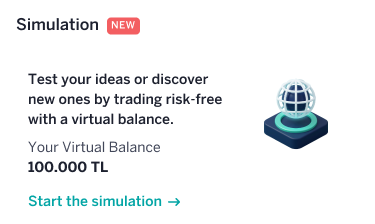
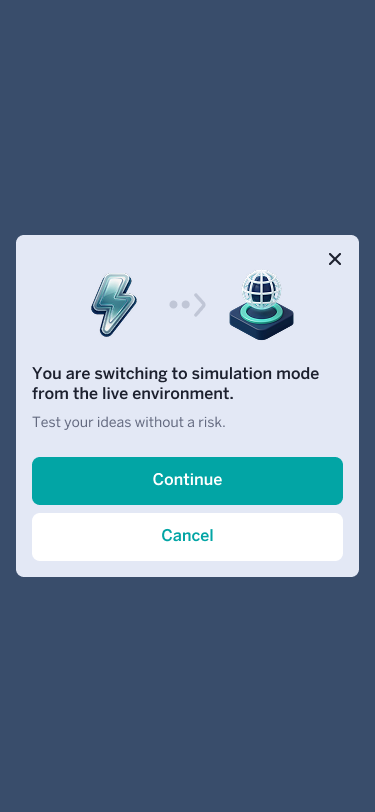
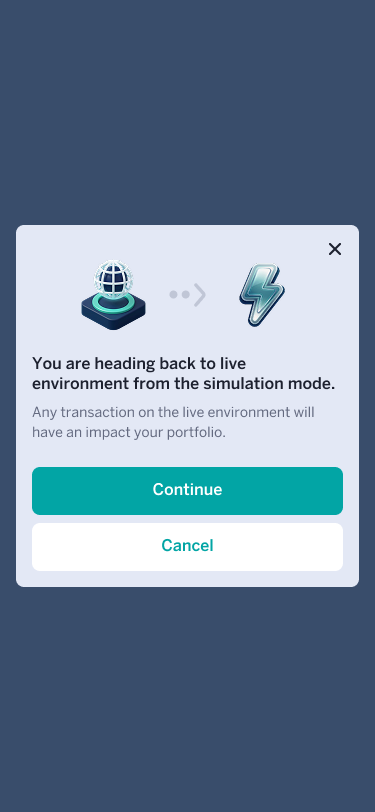
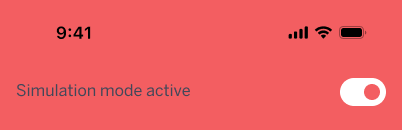
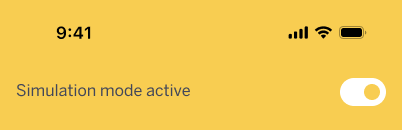
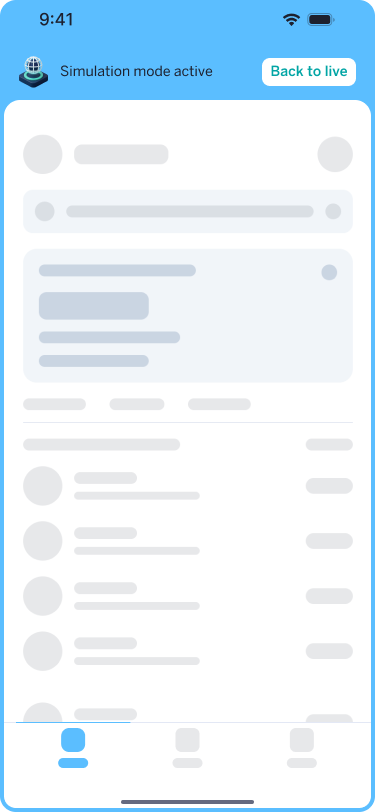
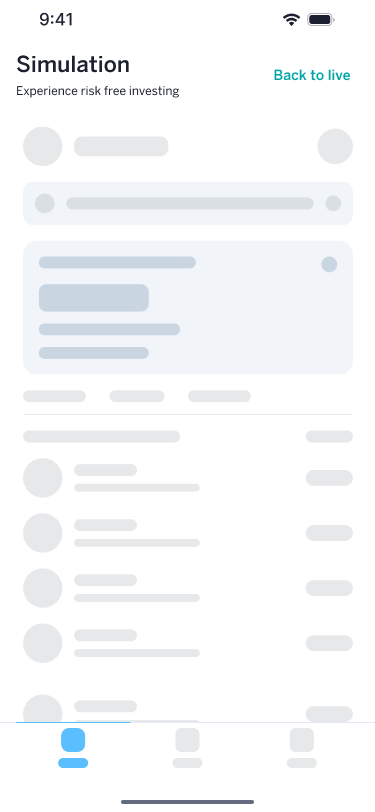
With the green light confirmed, simulation design began. The first two phases were about consistency, not invention. Entry points, the buy and sell flow, order management. Getting the basics right so everything built on top could hold together.
Step 3
Room to design
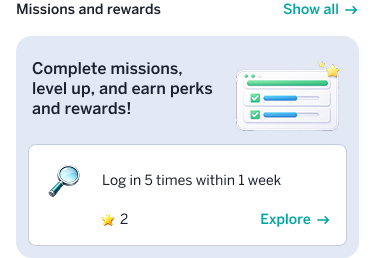
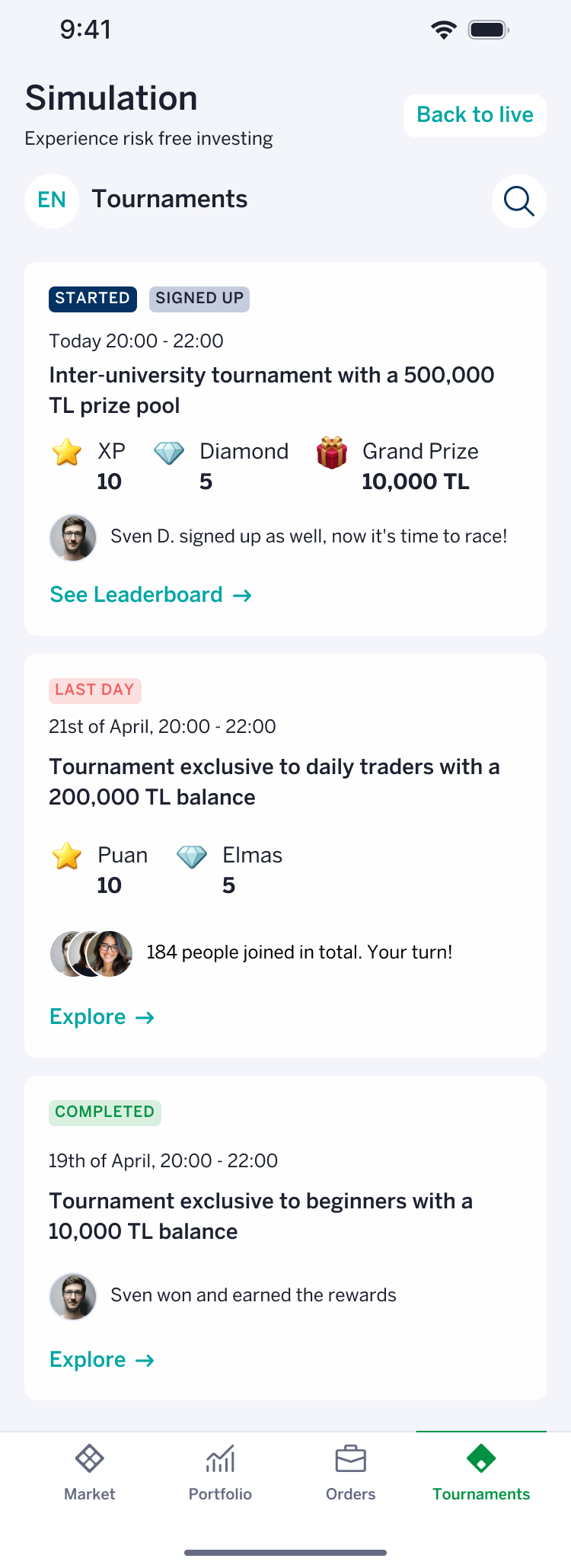
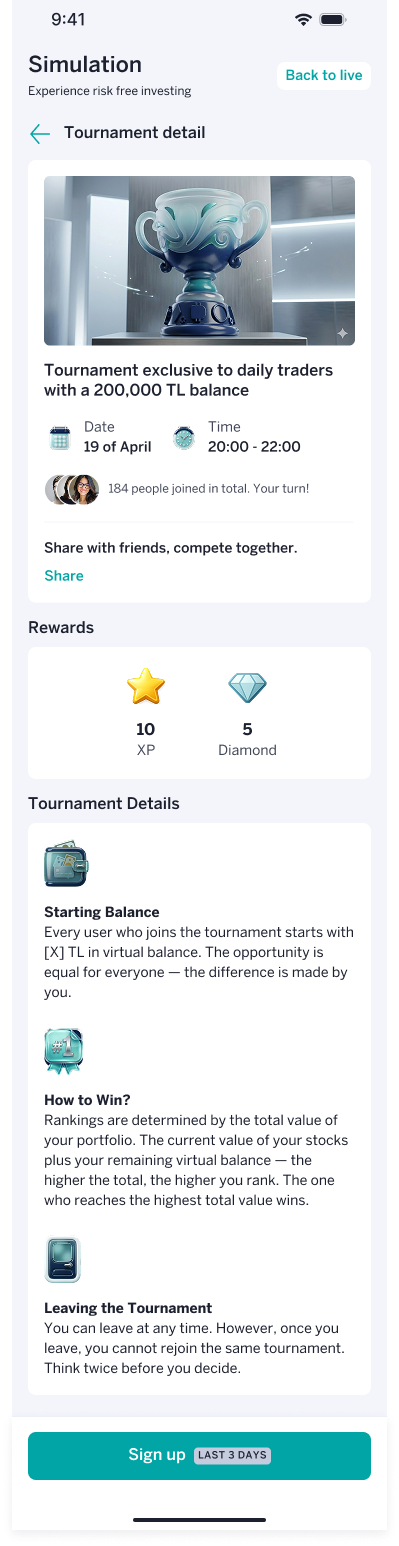
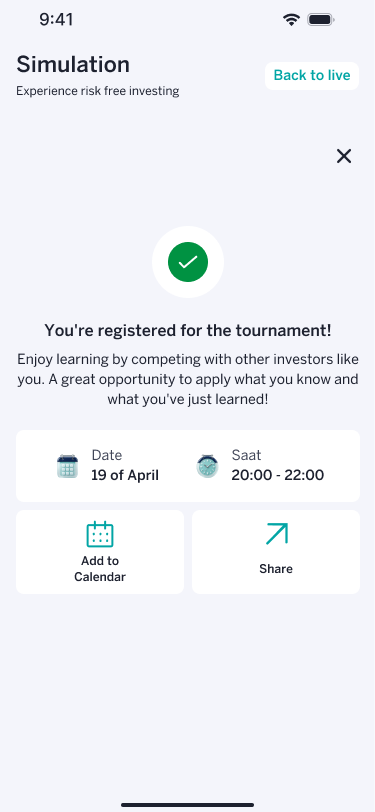
Simulation phases 3 and 4 were a different kind of work. Tournaments, leaderboards, joining and leaving flows, a results view that connected simulated decisions to real outcomes.
For the first time the project had space to explore. This phase was built in close collaboration with the client's internal design team, working through directions together across multiple rounds.

Hard feedback. Worth understanding.
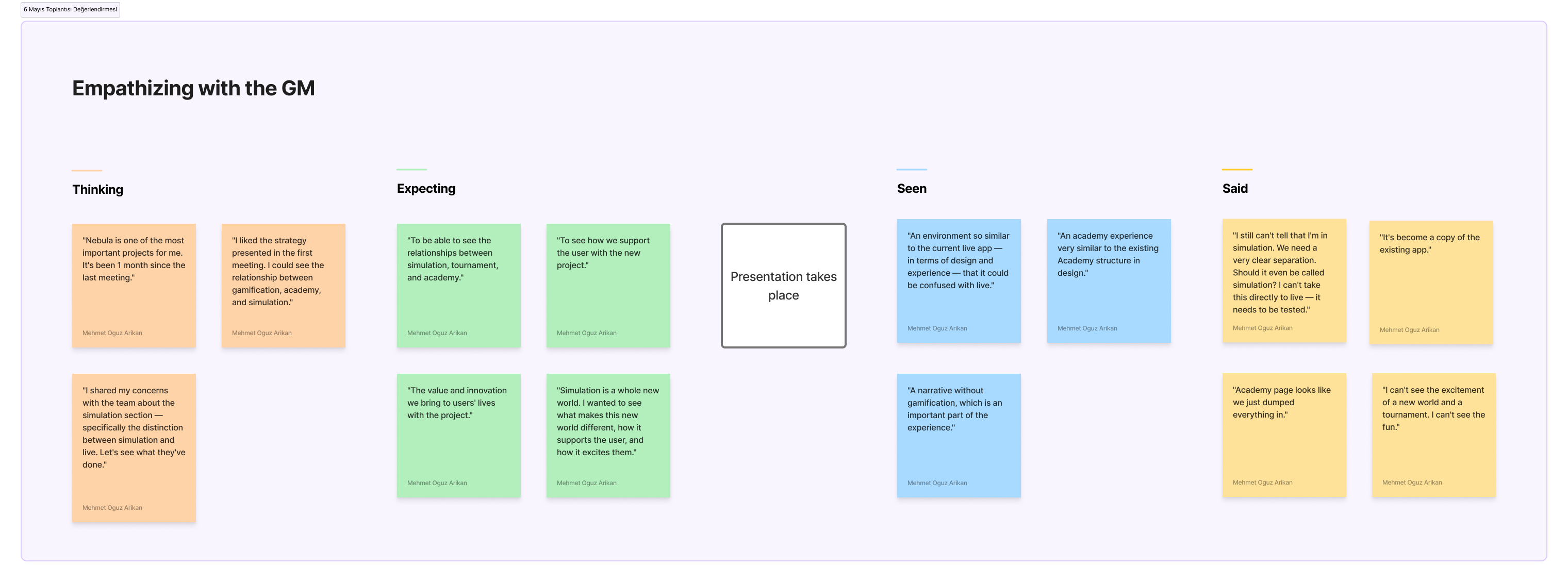
The second presentation to the General Manager covered the complete simulation and learning work. Gamification existed only as wireframes at that point. With time pressure, the team had chosen to lead with simulation progress. That choice had consequences.
One fair critique, one that needed translating
Gamification had not been shown in full. Simulation had inherited the app's core problem. It didn't guide the user. It expected them to find their way around.
I didn't react immediately. I wrote down exactly what was said, what she had seen, and what it actually meant before deciding what to change. Translating a blunt comment into a real design problem is its own skill.
Step 4
Back to discovery with AI as a partner
I rebuilt the simulation concept from a different question. Not "how do I trade" but "what am I actually trying to do." The new flow started by asking a user's financial situation and goal, then routed them through the app's existing tools toward a real decision.
I used Claude to map every combination of financial source and goal — nine in total — the tool sequence for each, and the resulting logic. Then I built a working prototype to present it.
After I presented the prototype, the team's feedback was direct: stop focusing on simulation. Gamification needed the attention.
Step 5
Finding the right mechanics
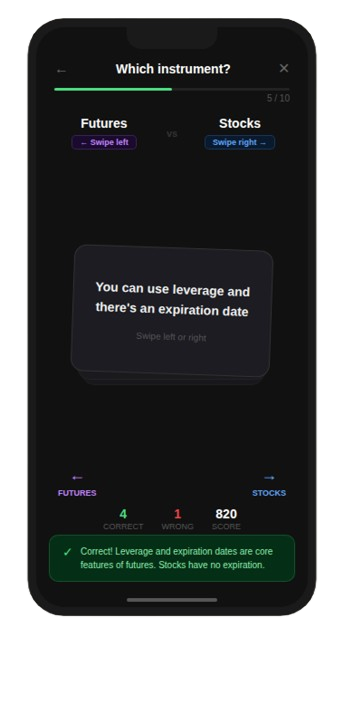
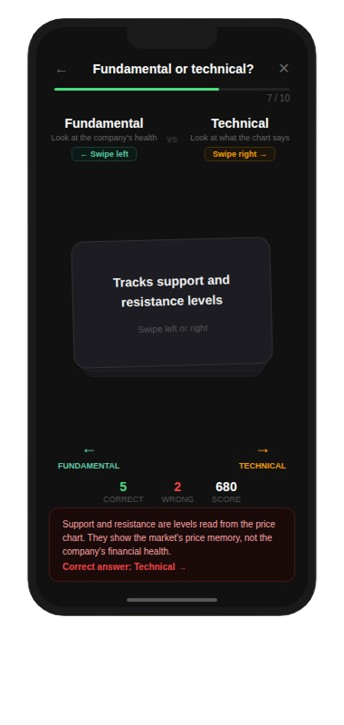
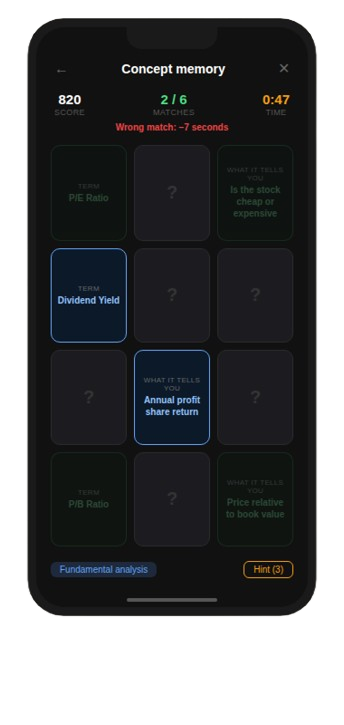
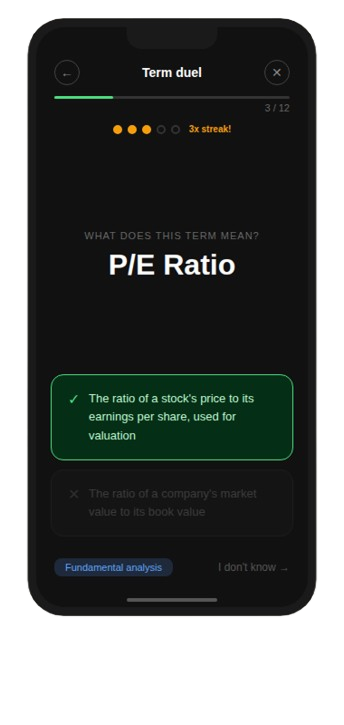
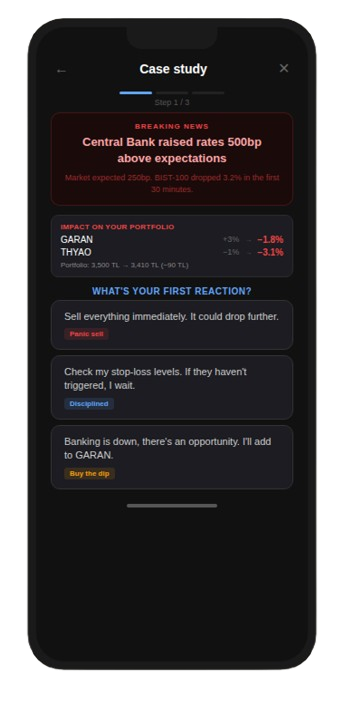
With the redirect clear, I researched fintech and edtech apps on Mobbin for gamification patterns, then used Claude to synthesize the screenshots into a structured pool of 43 candidate mechanics from products like Duolingo, Kahoot, and Brilliant.
Free resource
Download the .MD file and use it on your project
Nebula — Mechanics Palette: 43 learning mechanics, compiled from benchmark sources, merged, and adapted to the Nebula context.
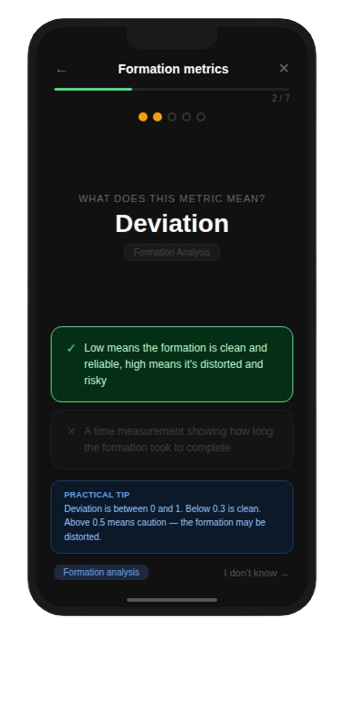
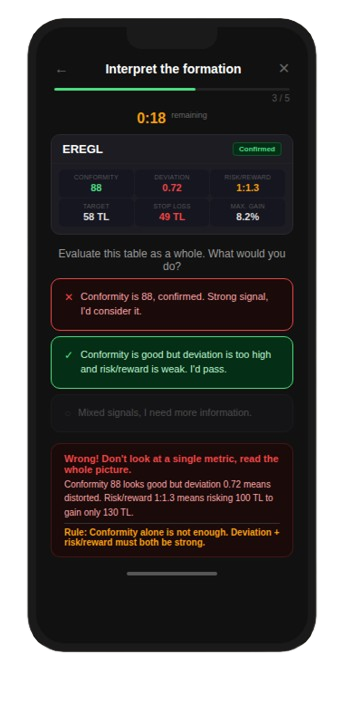
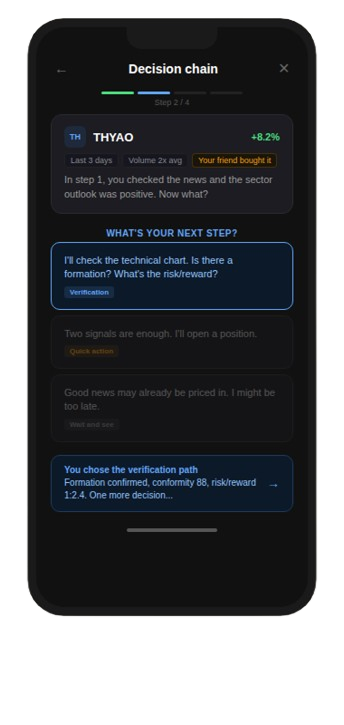
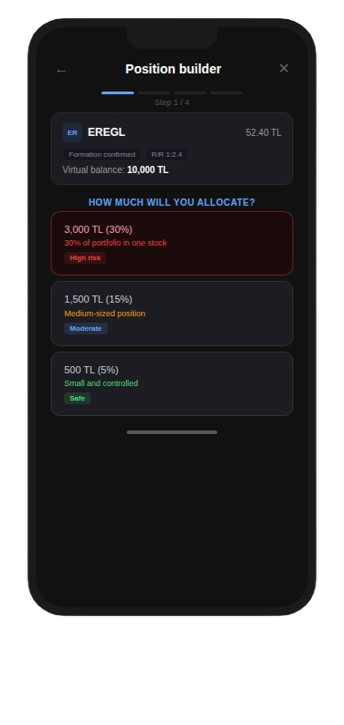
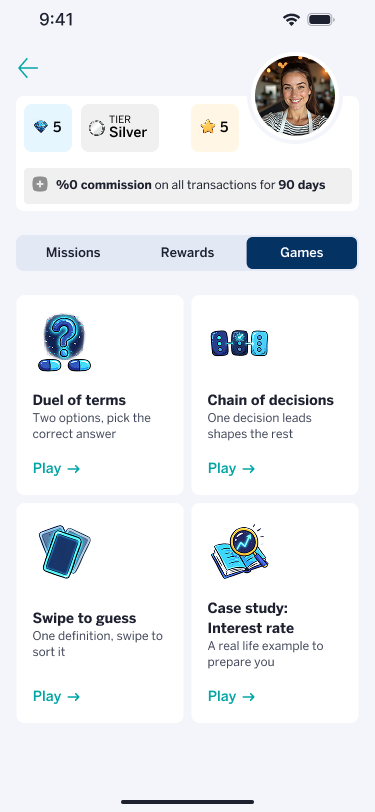
Download .md fileI filtered against four criteria: context fit, persona fit, sustainability, and build complexity. Three mechanics made it through: rapid-fire concept matching, swipe-based signal sorting, and branching market scenarios.
I presented these to the loyalty solutions tech company first, then to the client. Both aligned on a focused set of lightweight games.
Step 6
Final UI concepts, aligned together
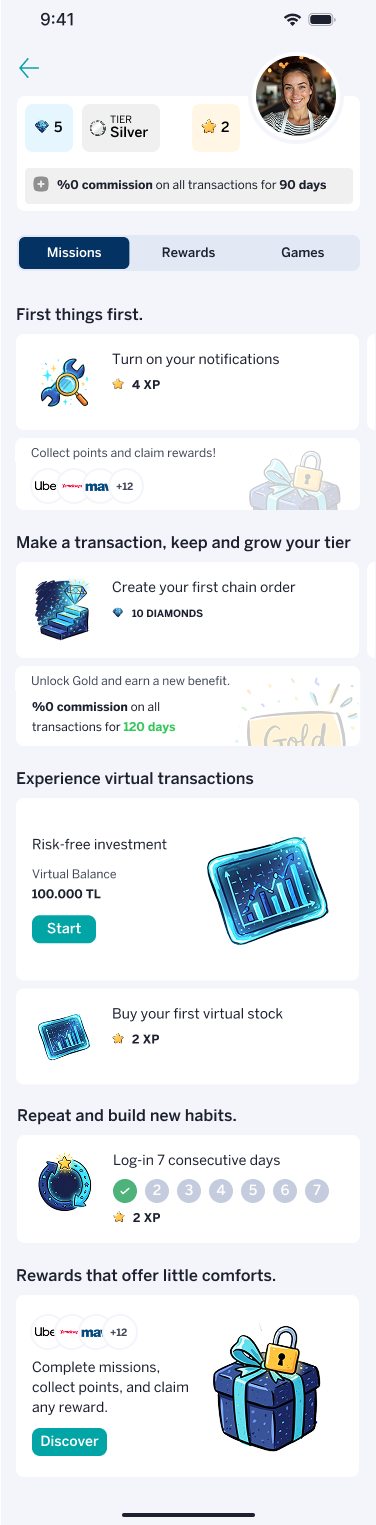
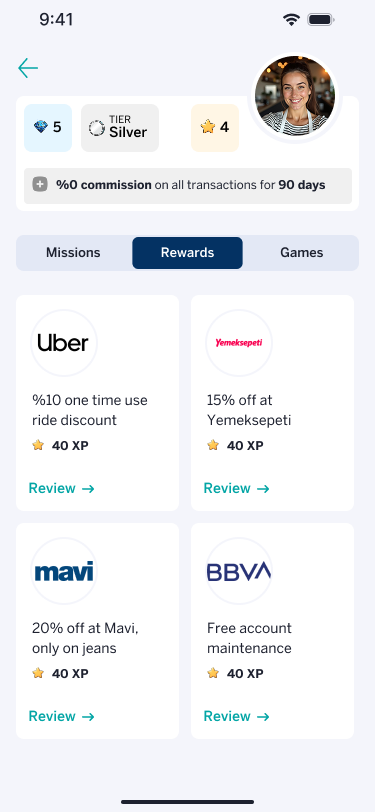
To close the project, two pairs worked from the same brief in parallel: how the gamification structure, tier logic, and user progression should fit together. We aligned on a shared direction. These UI concepts, developed together with the Principal Product Designer, were the last screens we prepared before wireframes wrapped.
Key insights
AI as a thinking partner, not just a production tool
Mapping nine scenario combinations and synthesizing 43 mechanics from research screenshots would have taken days by hand. Using Claude for both meant more time on judgment, less on assembly.
Learnings
The exact words are rarely the real note
A stakeholder's exact words are not always the real note. "You look exactly like the existing app" was really "you haven't fixed the thing that was already broken." Learning to hear the second one is worth practicing on every project.